Which Cricut Machine Fits the Things You Want to Make?
The first thing most people make on a Cricut is small. A label for a pantry jar, a birthday card, a decal for a water bottle. The second thing is where the choice of machine starts to matter: a T-shirt for a hen party, twenty matching gift tags, a sign for the front door that is wider than a sheet of paper.
Cricut sells five cutting machines, and on paper they overlap more than you would expect. All five cut, write, draw and foil. All five handle vinyl, iron-on, Infusible Ink, cardstock and printable sticker paper. What separates them is how wide, how tough and how many.
That makes the decision simpler than the product pages suggest. Settle the widest thing you want to make and the toughest material you want to cut, and the range sorts itself.
Sort the range by width first
Cricut publishes a maximum cut size for each machine when it runs Cricut Smart Materials, the rolls that feed straight in without a cutting mat. Width is the number that decides most projects, because length is rarely the limit.
| Machine | Widest cut | Longest cut | Compatible materials (Cricut’s count) |
|---|---|---|---|
| Cricut Joy 2 | 4.5 in | 4 ft | 75+ |
| Cricut Joy Xtra | 8.5 in | 4 ft | 75+ |
| Cricut Explore 5 | 11.7 in | 12 ft | 100+ |
| Cricut Maker 5 | 12 in | 12 ft | 300+ |
| Cricut Venture | 24 in | 12 ft | 100+ |
A 4.5-inch cut covers labels, card fronts and most mug-sized decals. At 8.5 inches you have a letter-width sheet, which is where full-colour stickers and a chest print on a T-shirt start to fit. Past that you are into signs, banners, tote bags and anything you want to make in multiples.
📏 Line the five machines up side by side
Cricut Joy 2 is for the small things you make every week
The Joy 2 is Cricut’s ultra-compact machine. It weighs 2.7 lb and measures about nine inches long, which means it can live in a drawer and come out for a five-minute job rather than waiting for a free afternoon.
It ships with the Fine-Point Blade, a Dual-Tip Marker and a Scoring Tool, so cards with clean fold lines work straight out of the box. It also writes and draws, which is what turns a sheet of blank labels into a labelled pantry.
Buy it if your projects are labels, cards and small decals, and you want a machine you will reach for on a weeknight.
Joy Xtra is the sticker and T-shirt machine that still fits on a shelf
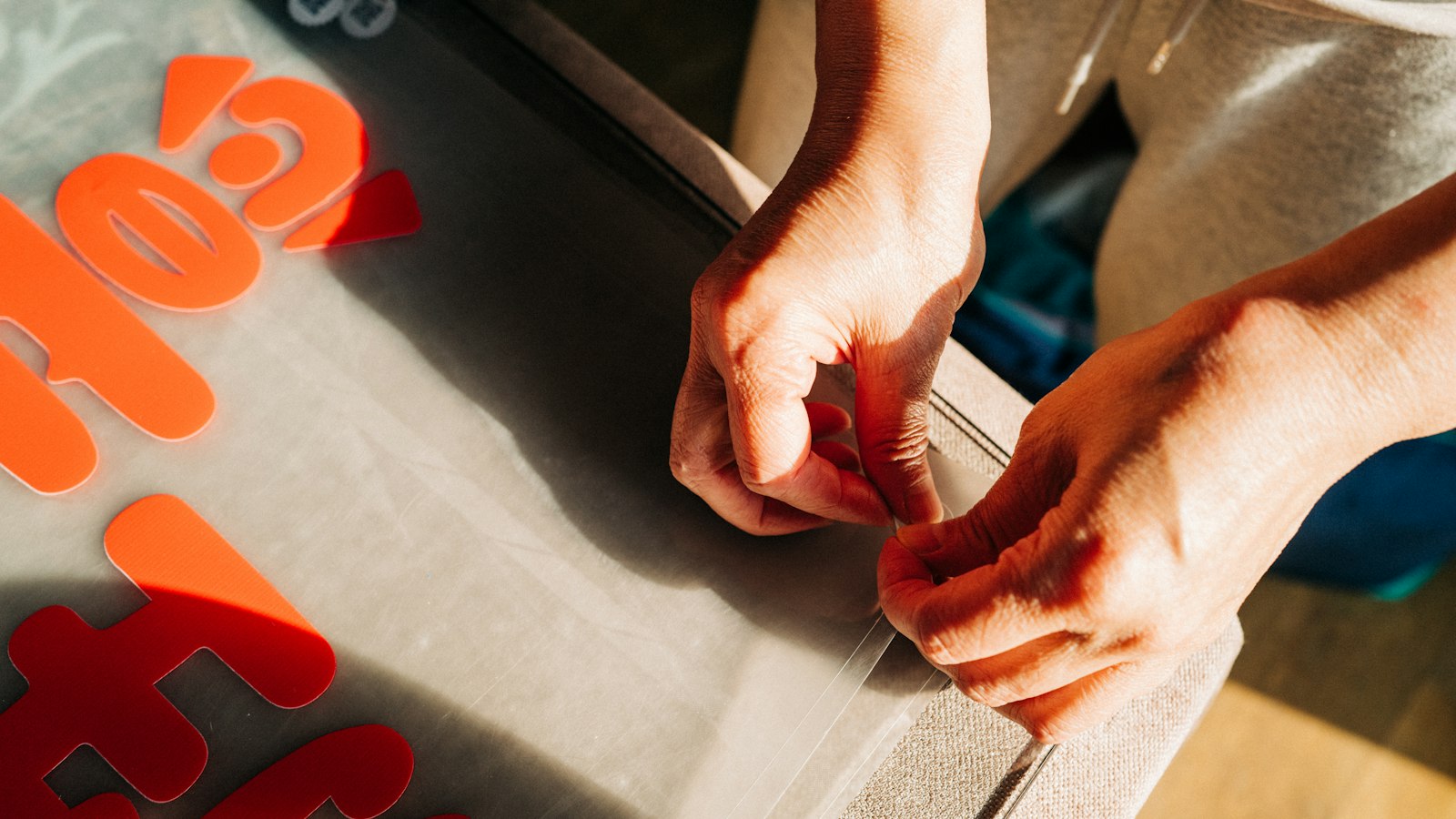
Joy Xtra nearly doubles the cutting width to 8.5 inches while staying at 6 lb. That width is the whole point. It takes a full letter-size sheet of printable sticker paper, so print-then-cut stickers in full colour become an everyday project instead of a workaround.
It is also the natural starting point for iron-on. A letter-width cut covers most adult T-shirt fronts, tote bags and baby clothes. One trade-off: Cricut’s chart lists scoring as a no on Joy Xtra, so if folded cards are the main plan, the Joy 2 or the Explore 5 is the better fit.
🏷️ See the Joy Xtra sticker and iron-on bundles
Explore 5 is where most people who keep crafting end up
The Explore 5 is the machine Cricut calls the next generation of its best-seller, and the specs explain why it sells. The cutting width goes to 11.7 inches, cuts on Smart Materials can run to 12 feet, and Cricut quotes a top speed of 14.1 inches per second.
The bigger change is the material list. Cricut counts more than 100 compatible materials for the Explore 5, and it adds the ones the Joy machines skip: kraft board, craft foam, leather, felt, bonded fabric and wood veneer. It also takes the Deep-Point Blade and the Bonded-Fabric Blade, and like the Joy 2 it comes with a marker and a scoring tool in the box.
For anyone making vinyl signs, layered cards, shirts for the whole family or a batch of party decorations, this is the machine that stops you outgrowing it.
Maker 5 is the one to buy for the tools, not the size
The Maker 5 cuts 12 inches wide at the same quoted top speed as the Explore 5, so the reason to step up is not bigger projects. It is what the machine can hold.
Across the current range, only the Maker 5 takes the Rotary Blade, the Knife Blade, the Wavy Blade, the Perforation Blade, the Engraving Tip, the Debossing Tip and the single and double Scoring Wheels. That is how its compatible-material count climbs past 300, including fabric and softwood. Cricut describes it as the machine for engraving metal and cutting wood as well as the everyday projects.
Sewers and quilters get fabric cutting. Card makers get debossing and perforation. Anyone who wants to personalise a metal tag or cut a wooden shape gets both on one machine.
✂️ See which blades and tips the Maker 5 takes
Venture is for batches and anything wider than a sheet
The Venture is Cricut’s wide-format machine. It cuts 24 inches wide, runs to 12 feet on Smart Materials, and Cricut quotes 25.4 inches per second, the fastest in the range. It adds an Automatic Cutoff Tool for trimming material off the roll.
It is also a different kind of purchase. At 34.7 lb and almost three feet across, it wants a permanent spot on a table. For market sellers, team kits, event signage and anyone making the same design dozens of times, that footprint pays for itself in time saved.
Where each machine stops
The Joy 2 and Joy Xtra do not cut kraft board, felt, leather or wood veneer. The Explore 5 does not cut unbonded fabric or take the Maker’s engraving and debossing tips. The Venture drops engraving, debossing and perforating, and it runs from a Mac or Windows computer rather than a phone or tablet. If one of those is on your list, buy the tier that does it rather than working around it later.
Bundles, refurbished units and the cheapest way in
Every machine is sold on its own and in bundles that add materials and tools. Cricut prints the combined value next to the bundle price on its store, and a bundle is usually the better deal if you would otherwise buy vinyl, iron-on and transfer tape separately in the first month.
Cricut also sells Certified Refurbished machines through its own store. Stock comes and goes, so it is worth a look before buying new. The Design Space app that runs every machine is a free download; some features and designs need a paid Cricut Access subscription, and some bundles include one.
Offers on machines and materials change often, so check what is running on the day you buy. Pick the machine sized to the projects you will make most, add the bundle that matches them, and you will be cutting the same evening it arrives.