Security Cameras With No Monthly Fee: What eufy Gets Right, and What to Check
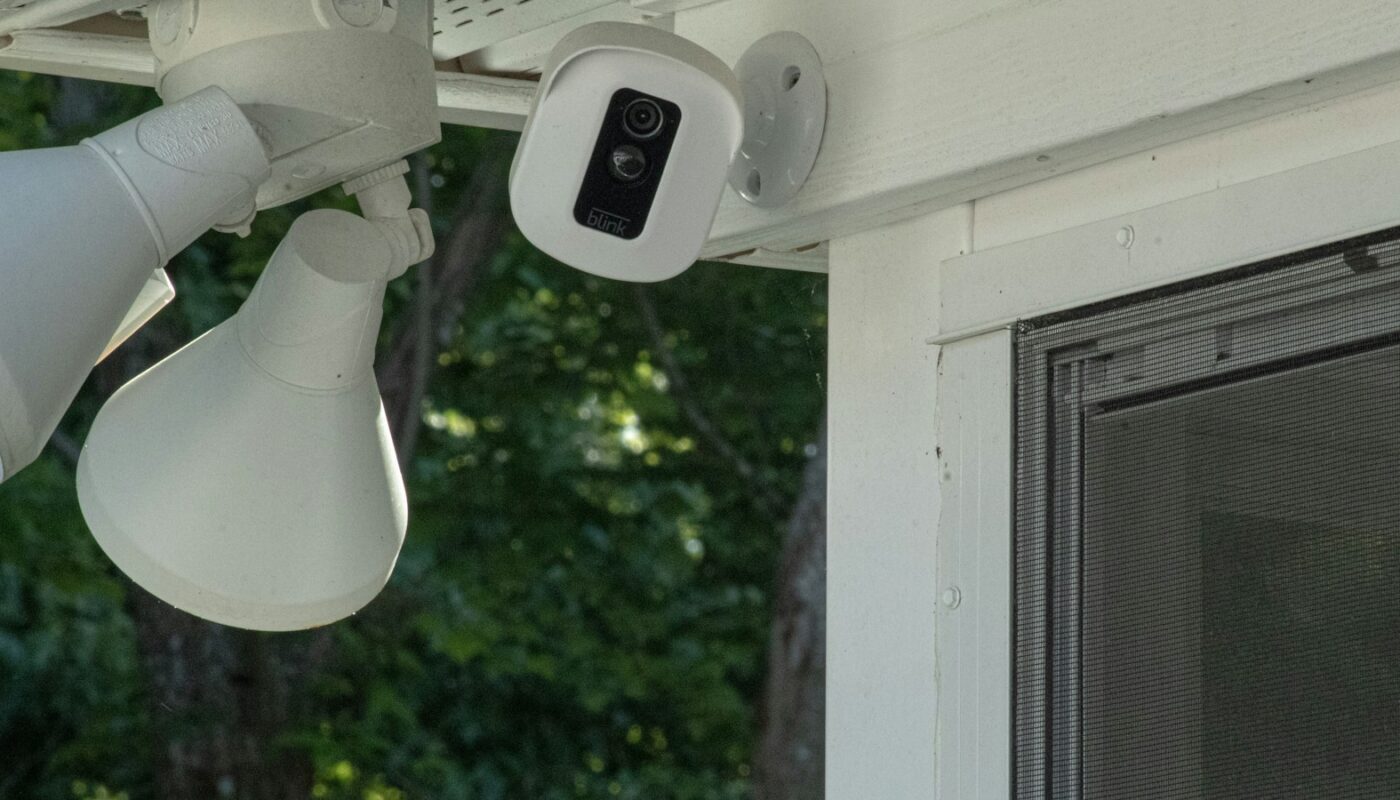
The cheapest part of most home security cameras is the camera. The expensive part arrives every month afterwards: a cloud subscription to store the footage, unlock motion alerts or keep more than a few hours of history. Over a few years, the plan can quietly cost more than the hardware.
Eufy, the smart home brand from Anker, has built much of its security range around avoiding that. Its pitch is simple: record locally, see your footage in the app, and pay nothing monthly unless you choose to. For many households that is exactly right. It does come with a few trade-offs worth understanding first.
Who makes eufy
Eufy launched in 2016 as a smart home brand of Anker Innovations, the company best known for phone chargers and power banks. Alongside security cameras and video doorbells, it sells robot vacuums, baby monitors and smart lighting. The security range covers outdoor battery and solar-powered cameras, indoor cameras, pan-and-tilt models and doorbells.
📷 Browse eufy security cameras
How the no-subscription model works
Instead of sending every clip to a paid cloud service, eufy cameras store recordings locally. Depending on the model, that means built-in storage, a microSD card, or a small hub called the HomeBase that sits in your home and holds footage from several cameras. You view recordings and live video through the eufy app.
- No required monthly fee. Cloud storage exists as an optional plan, but the cameras work without it.
- Smart detection included. Person and pet detection, which cuts down on alerts every time a tree moves, comes without a subscription on many models.
- Battery and solar options let you place outdoor cameras without running cables, which suits renters and people who prefer not to drill.
What to check before you rely on it
- Where the footage lives if the device is stolen. Local storage means the recording is in your home. If a burglar takes the camera or the HomeBase, the footage can go with it. Place the hub somewhere out of sight, or add optional cloud backup for the cameras that matter most.
- Which models need the HomeBase. Some cameras record to their own storage, others depend on the hub. Check the product page so you buy the right combination.
- Wi-Fi at the camera’s location. Outdoor cameras at the edge of your garden may sit at the edge of your signal too. Test the connection where you plan to mount them.
- Privacy settings. In 2022 a security researcher found that some eufy cameras marketed as local-only were sending thumbnails to the company’s cloud servers, and eufy subsequently revised its privacy commitments. Whatever brand you choose, read the current privacy policy, turn off features you do not need and keep the app and firmware up to date.
🏠 See eufy’s local-storage cameras
Who should consider something else

- You want professional monitoring. Eufy is built for self-monitoring through the app. If you want a company to watch alerts and call for help, a monitored alarm service is a different product.
- You live inside another smart home system. If your home already runs on a particular ecosystem, check eufy’s compatibility first, or consider the cameras made for that system.
- Privacy is your top concern. Some buyers remain cautious after the 2022 episode. If that is you, compare how different brands handle encryption and cloud access before buying.
For households that want decent cameras, useful alerts and no monthly bill, eufy is one of the simpler options on the market. Set it up carefully, protect the HomeBase, and it can do the job for years without a subscription.