Want Windows on Your Mac? Parallels Desktop Makes It Surprisingly Easy
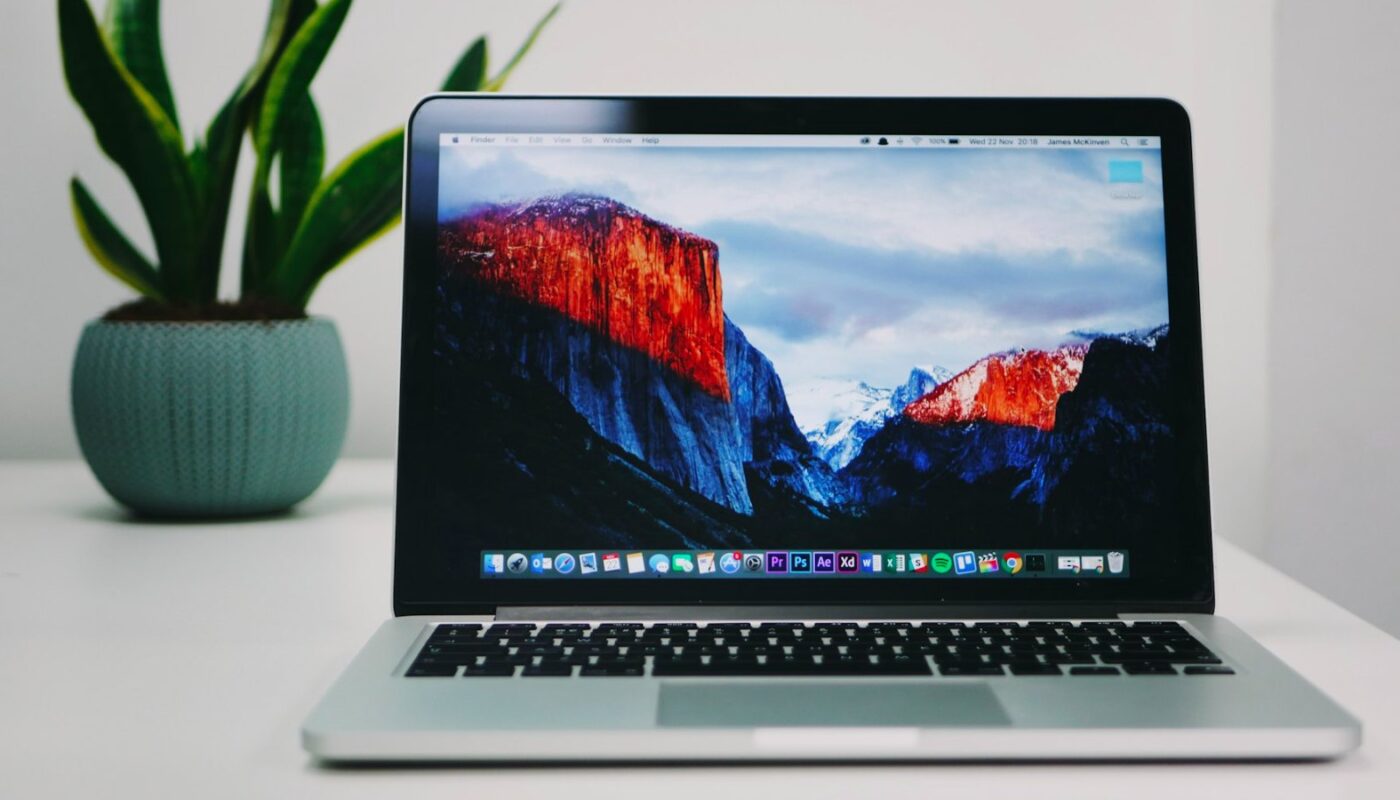
Buying a Mac doesn’t necessarily mean leaving Windows behind.
Maybe there’s one Windows application you still need for work.
Maybe your school uses software that doesn’t have a macOS version.
Or perhaps you simply prefer certain Windows programs but don’t want to give up your MacBook.
Traditionally, using both operating systems meant keeping two computers nearby or constantly rebooting your Mac to switch environments.
Parallels Desktop for Mac takes a much simpler approach.
It lets you run Windows alongside macOS, so Windows applications can live on your Mac without forcing you to restart every time you need them.
★ Key Takeaways
- Overall Score: 9.3/10 — An excellent solution for Mac users who regularly need Windows.
- Best For: Professionals, students, developers, and Mac users who depend on Windows-only applications.
- Biggest Strength: Running Windows and macOS side by side without rebooting.
- Main Caveat: Performance and software compatibility can vary depending on your Mac, Windows version, and the applications you want to run.
9.3 / 10
★★★★★
| Category | Score |
|---|---|
| Features | 9.5 |
| Ease of Use | 9.4 |
| Performance | 9.2 |
| Productivity | 9.5 |
| Value | 8.9 |
One Computer, Two Operating Systems
This is where Parallels Desktop becomes interesting.
Instead of treating Windows as a completely separate environment, Parallels uses virtualization technology to let Windows run within macOS.
That means you can have Safari open on one side of your screen and a Windows application on the other.
You can move between the two environments without shutting down your computer.
For someone who only occasionally needs Windows, that’s convenient.
For someone who switches between Windows and macOS throughout the workday, it can completely change their workflow.
⚡ See How Parallels Desktop Works
What Is Parallels Desktop?
Parallels Desktop for Mac is virtualization software designed to let Mac users run Windows and other supported operating systems without maintaining a separate computer.
It’s particularly useful for people who love their Mac hardware but still depend on software designed for Windows.
Parallels has also evolved alongside Apple’s transition to Apple silicon, with versions designed to work with modern Mac computers powered by Apple’s M-series chips.
The experience is built around making virtualization approachable. You don’t need to be an IT administrator just to get Windows running.
It’s Not Only About Opening Windows
The real appeal isn’t simply seeing a Windows desktop appear on your Mac.
It’s how closely the two environments can work together.
Depending on your setup and version, Parallels Desktop provides features designed to make switching between macOS and Windows feel much more natural, including integration between the two environments, file sharing, configurable virtual machines, and productivity tools.
Parallels also bundles 30+ utilities aimed at simplifying common tasks across Mac and Windows.
Rather than feeling like you’re constantly moving between two computers, the goal is to make everything feel like part of one workstation.
🚀 Discover Parallels Desktop Features
Who Actually Needs This?
Parallels isn’t necessary for every Mac owner.
If everything you use already runs natively on macOS, you probably don’t need virtualization at all.
But there are several situations where it becomes extremely useful.
Students
Some universities and courses require Windows-specific applications. Instead of purchasing another laptop, students may be able to access the software they need from their existing Mac.
Business Users
Companies often rely on legacy applications, internal systems, or Windows-based tools even when employees prefer Mac hardware.
Developers
Developers can use virtual environments to test applications and work across different operating-system configurations.
Windows-to-Mac Switchers
If you’ve recently moved from a PC to a Mac but still depend on familiar Windows programs, Parallels can make the transition considerably easier.
Professionals With Specialized Software
Accounting, engineering, analytics, and other professional fields sometimes rely on applications that are unavailable—or work differently—on macOS.
💼 See If Parallels Fits Your Workflow
What About Apple Silicon Macs?
This is an important consideration for anyone using a newer Mac.
Apple’s transition from Intel processors to its own M-series chips changed how Windows virtualization works.
Parallels Desktop supports Apple silicon Macs, but that doesn’t automatically mean every old Windows program will work perfectly.
Your experience can depend on the Windows version you’re running and whether a specific application supports the underlying architecture.
If you’re buying Parallels for one critical Windows program, check that application’s compatibility before subscribing.
That’s especially important for specialized professional software, older programs, certain hardware-dependent applications, and some games.
Can You Use It for Gaming?
Technically, some Windows games can run through virtualization.
But we wouldn’t buy Parallels primarily as a gaming solution.
Compatibility varies considerably between titles, and demanding games may require technologies or hardware access that aren’t available through a virtualized Windows environment.
For productivity software, business applications, development, and general Windows use, the argument for Parallels is much stronger.
The Feature You Appreciate Most Is Time
The most impressive part of virtualization isn’t necessarily technical.
It’s avoiding interruptions.
Imagine working on a presentation in PowerPoint for Windows, receiving a message in a Mac app, copying information between environments, and continuing your work without restarting anything.
That’s the advantage.
The technology disappears into the background.
Instead of thinking about which operating system you’re using, you can focus on the application you actually need.
Is Parallels Desktop Worth It?
For someone who needs Windows once a year, probably not.
There are other ways to access a Windows computer occasionally.
But if Windows applications are part of your regular workflow, the equation changes.
Maintaining two laptops is inconvenient.
Restarting constantly is disruptive.
Giving up your preferred Mac simply because one application requires Windows isn’t ideal either.
Parallels Desktop provides an elegant middle ground.
The Bold Story Verdict
Parallels Desktop earns a 9.3/10 from us.
Its biggest achievement isn’t simply running Windows on a Mac. Virtualization has existed for years.
What makes Parallels compelling is how accessible it makes the experience.
For professionals, students, developers, and businesses that live primarily in the Apple ecosystem but can’t completely leave Windows behind, it’s one of the most practical software solutions available.
Just make sure the specific Windows applications you rely on are compatible with your Mac and configuration before making the switch.
🍎 Bring Windows to Your Mac with Parallels Desktop
Frequently Asked Questions
What is Parallels Desktop?
Parallels Desktop is virtualization software that allows supported versions of Windows and other operating systems to run on a Mac without repeatedly rebooting the computer.
Does Parallels Desktop work on M-series Macs?
Parallels offers support for modern Apple silicon Macs. However, application compatibility can vary, so users should check requirements for the Windows software they specifically need.
Do I need to restart my Mac to switch to Windows?
No. That’s one of the main advantages of Parallels Desktop. Windows can run alongside macOS rather than requiring you to reboot every time you switch.
Is Parallels Desktop only for developers?
No. It’s also useful for students, businesses, professionals, and everyday Mac users who need access to Windows applications.
Can Parallels replace a Windows PC?
For many productivity and business workflows, it potentially can. However, specialized applications, hardware-dependent software, and demanding games may have limitations, so compatibility should be checked first.