Most Small Sites Buy an SEO Suite Before They Have an SEO Question

There is a familiar pattern with small websites. Someone launches a blog or an online shop, reads that SEO matters, signs up for a big SEO suite, spends an evening clicking through dashboards full of charts, and cancels a month later having changed nothing on the site. The tool was never the problem. They bought the answer before they had a question.
Semrush is the tool this happens with most often, because it is the one most people have heard of. It is also, used properly, one of the most capable ways to see how search traffic actually works for your site and your competitors. The difference between those two outcomes is almost entirely about what you walk in wanting to know.
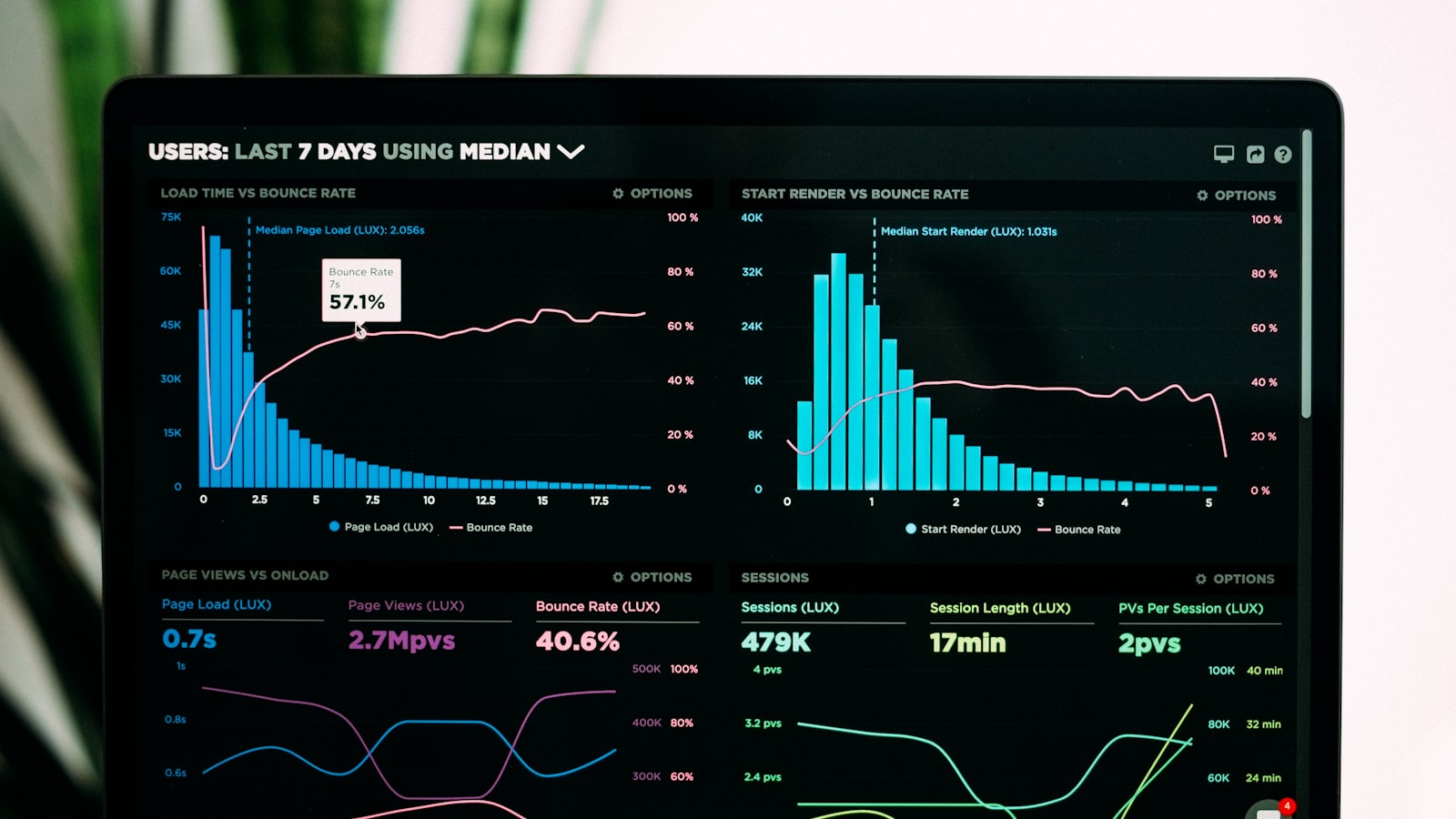
What Semrush is now
Semrush started in 2008 as a keyword and competitor research tool and grew into a broad marketing platform with dozens of tools covering SEO, paid search, content and social. In April 2026 Adobe completed its acquisition of the company. Adobe describes Semrush as a brand visibility platform and says it will keep investing in it as a product line.
The newer part of that pitch is visibility in AI assistants. As more people ask ChatGPT, Gemini, Perplexity or Google’s AI Overviews instead of scrolling a list of links, Semrush has added tools that track whether and how a brand is mentioned in those answers, alongside the classic search rankings. For a business that depends on being found, that is a reasonable thing to want to measure.
Five questions it answers well
Semrush earns its keep when you bring it a specific question. These are the ones it handles best:
- What are people actually typing about my topic, and which of those searches are realistic for a site my size to rank for. The Keyword Magic Tool is built for exactly this.
- What is technically wrong with my site. Site Audit crawls your pages and lists broken links, missing titles, slow pages and duplicate content, ranked by how much each is likely to matter.
- Where do I rank, and is it moving. Position Tracking follows a set of keywords over time, so you can see whether a change you made helped.
- Why does a competitor outrank me. Domain Overview and Backlink Analytics show which pages bring them traffic and which sites link to them.
- Which content gaps can I fill. Comparing your keywords with a competitor’s shows topics they rank for that you have never written about.
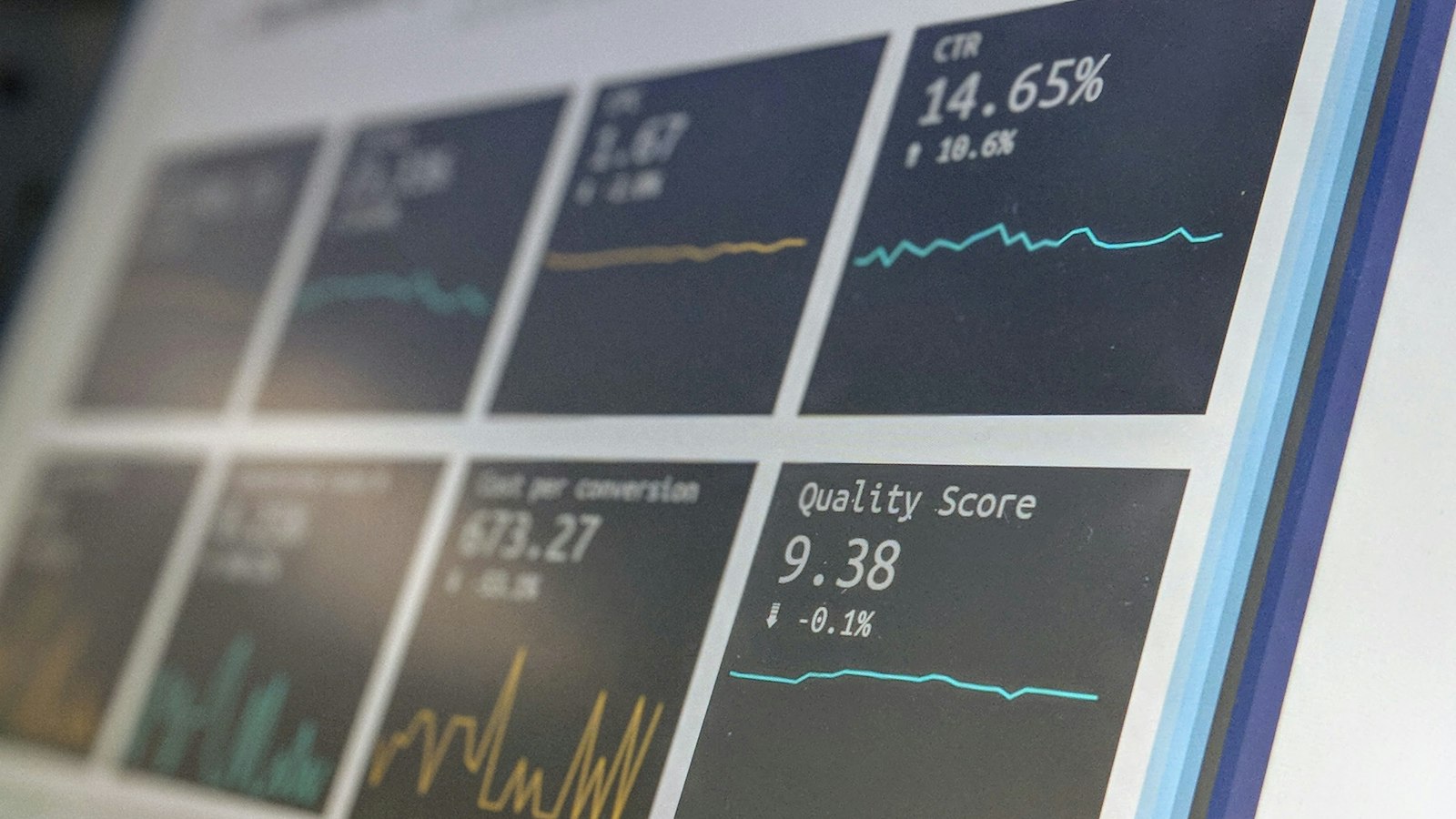
Notice that every one of those starts with a site, a topic or a competitor you already care about. That is the habit that separates people who get value from the tool from people who cancel.
Who should look elsewhere
Semrush is a professional tool priced like one, and it is not the right first step for everyone:
- A brand-new site with a handful of pages. Google Search Console is free and shows the searches your site already appears for. Start there; it answers the first questions most small sites have.
- You only need one job done. If all you want is rank tracking, or only a backlink check, a narrower and cheaper tool may cover it. Reviewers often point to SE Ranking, Ahrefs and Moz as alternatives, each with a different balance of depth, price and ease of use.
- You will not have time to use it. With this many tools, there is a real learning curve. If you cannot set aside a few hours to learn the parts you need, the subscription will mostly sit unopened.
- You are working to a tight budget with several users. Plans are priced per level of usage, and team seats add cost. Check the current plan limits against what you actually need before committing.
Before you start a trial

Semrush offers a free trial, but reviewers note it asks for a card and moves onto a paid plan automatically at the end, and several describe cancelling as less simple than signing up. None of that is unusual for software, but it rewards a little preparation:
- Write down three questions first. For example: which ten keywords should my next articles target, what are the biggest technical problems on my site, and why does one named competitor outrank me.
- Put the trial end date in your calendar the day you sign up, with a reminder a couple of days before.
- Export what you find. Keyword lists and audit results can be downloaded, so the work is still useful if you decide not to continue.
- Fix one thing before judging the tool. The value shows up when a change you made moves a ranking, not in the dashboards themselves.
Used that way, a trial tells you quickly whether Semrush belongs in your routine or whether a free or narrower tool covers what you need. Either answer is a good use of a week.