Everyone Asks How Many Watts. That’s the Wrong Question.
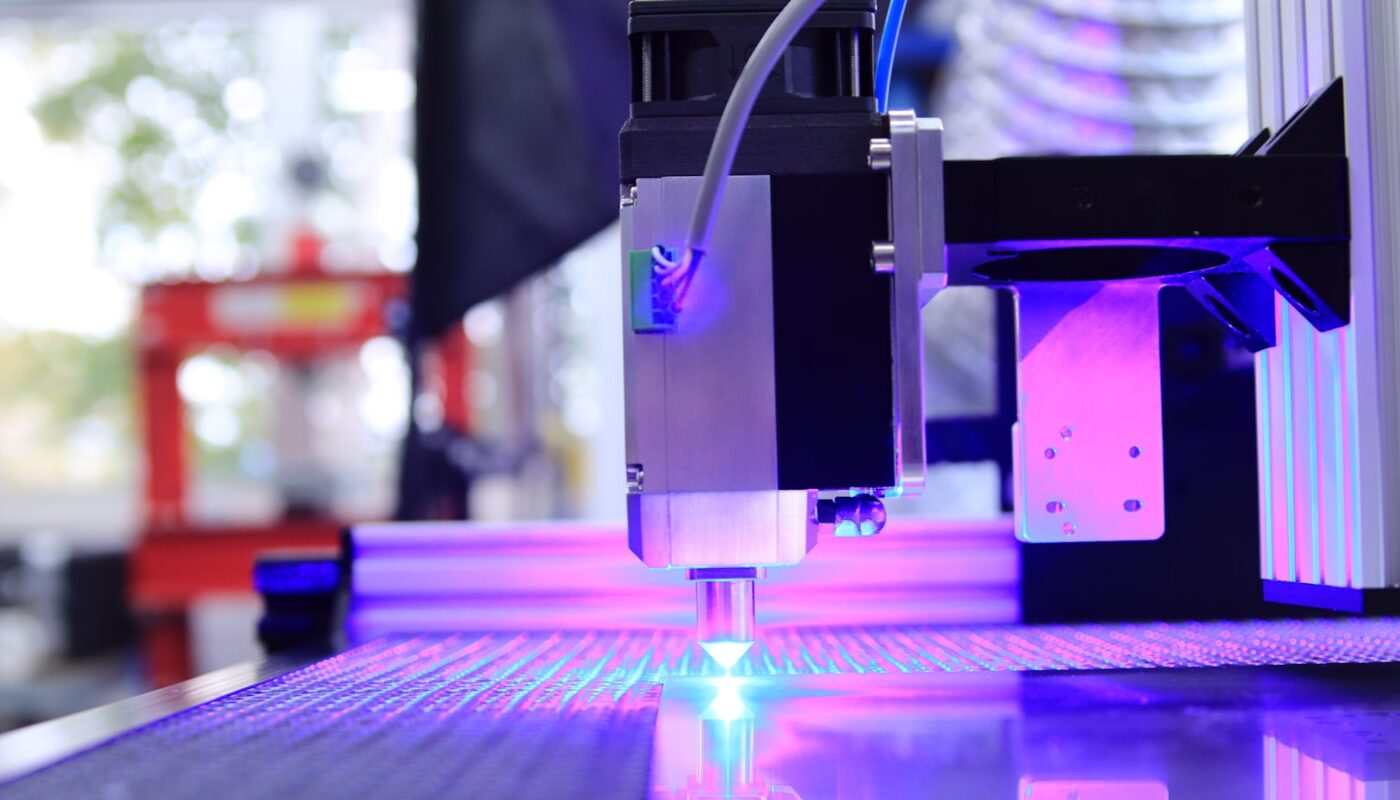
Someone spends three weeks reading comparisons, buys a 40-watt machine because 40 sounded like more than 20, and discovers on the first afternoon that it will not touch the clear acrylic they bought it for. The beam goes straight through the sheet as if it were not there.
Nothing was wrong with the machine. The number they shopped on simply was not the number that decides anything.
Why wattage became the headline
Watts are easy to compare. One figure, bigger is better, no explanation required. Every listing leads with it because it is the only spec a first-time buyer already has a feel for, and it does mean something real — within one type of laser, more power cuts thicker and faster.
Across types it means almost nothing. A 5-watt laser of one kind will mark stainless steel that a 40-watt laser of another kind cannot scratch. The two numbers are not on the same scale, because the machines are not doing the same thing.
The number that actually decides: wavelength
A laser cuts when the material absorbs its light. If the material lets that wavelength pass through, or bounces it back, nothing happens no matter how much power you throw at it. So the real question is not how strong the beam is. It is whether your material can see it.
Diode, around 455 nanometres — blue light. Absorbed well by wood, leather, card, fabric and dark or opaque acrylic. Clear acrylic is effectively transparent to it, which is the mistake at the top of this article. Bare shiny metal reflects it.
CO2, around 10.6 micrometres — far infrared. The workhorse for acrylic, including clear, plus wood, glass etching, stone and leather. Cuts thicker and leaves a cleaner edge on acrylic than any diode. Will not mark bare metal without a coating.
Fibre and MOPA, around 1064 nanometres. The metal wavelength. Marks and deep-engraves steel, aluminium, brass and titanium. MOPA adds control over pulse length, which is how people get colour onto stainless. Poor on most organic materials.
UV, around 355 nanometres. Very short wavelength, very little heat transferred. This is what you use on glass, ceramics and heat-sensitive plastics that would melt, char or crack under anything else.
Pick the wavelength that matches your material. Then, and only then, argue about watts.
How this maps onto one catalogue
Reading a manufacturer line-up through the wavelength question makes it far less confusing. Take xTool, whose range spans all four types, and the model names start to explain themselves:
Diode machines. The S1 is a 40W diode with an expandable working area — the wood, leather and painted-surface machine. The M2 pairs a 10W or 20W diode with full-colour CMYK inkjet, which is a different proposition again: print and cut in one pass.
CO2 machines. The P2S at 55W and the P3 at 80W. If your work is acrylic — signage, layered pieces, anything transparent — this is the branch of the range you are actually shopping in, and the diode machines above are not alternatives to it.
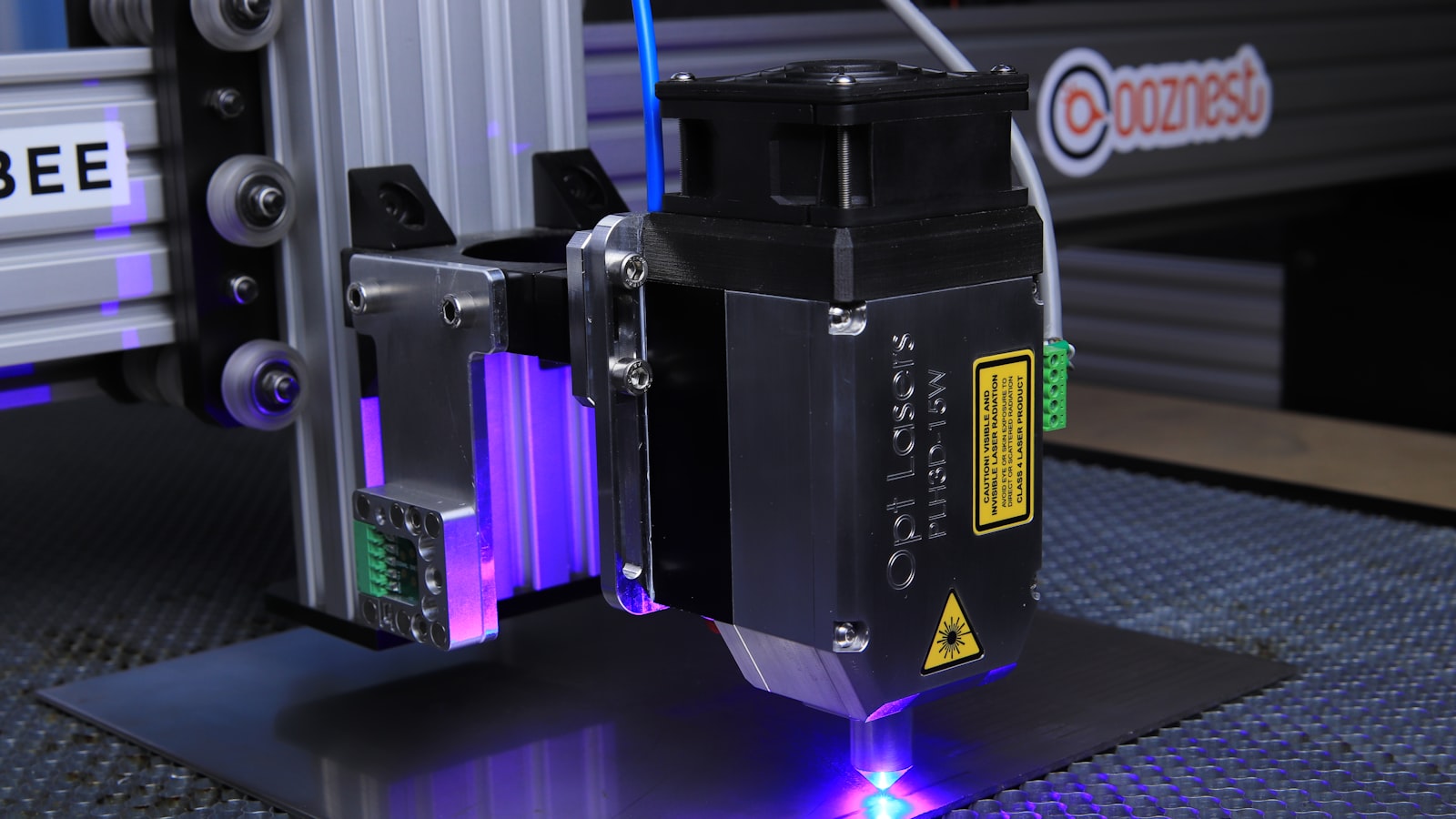
Metal machines. The F1 Ultra combines a 20W fibre with a 20W diode. The F2 Ultra goes to 60W MOPA alongside a 40W diode. The F2 is the portable one, a 5W infrared plus a 15W diode.
UV. The F2 Ultra UV, at 5W. Five watts sounds trivial next to the 80W CO2, and on glass it will do things the 80W machine cannot.
Beyond the lasers the catalogue widens into printing and fabrication — the O1 Omni, a 4-in-1 handling UV, UV DTF, DTG and DTF; an Apparel Printer Plus for DTF; a screen printer; the WonderPress heat press; and MetalFab, which combines laser welding with CNC cutting. Design runs through xTool Studio, with an AI generation tool called Atomm alongside it.
🔍 Match a machine to the material you actually work with
The dual-laser machines are a hedge, and hedges cost something
Several of those models carry two lasers precisely because the wavelength problem is real and buyers do not want to choose. Fibre plus diode in one box means metal and wood without owning two machines.
That is a genuine answer to a genuine problem, and it is worth being clear-eyed about the trade. A dual-laser machine costs more than either single-wavelength machine, takes up the desk space of the larger one, and adds a decision to every job. If ninety per cent of your work is one material, the second laser is a fee you pay for the ten per cent.
Four things to settle before you spend anything
Write down your top three materials. Not the ones you might try. The three you will use in the first month. That list picks your wavelength, and the wavelength picks your shortlist.
Work out the extraction. Cutting anything produces smoke and smell — burnt wood is pleasant for ten minutes and unbearable for an afternoon. You need a window, a duct or a filter unit, and filter units are a real running cost in replacement cartridges. This is the constraint that most often decides where a machine can live, and almost nobody plans it.
Measure the bench, then measure the working area. They are different numbers. A machine with a modest cutting bed can still need a metre of clearance for a pass-through or an exhaust hose.
Read the warranty terms as a cost signal. xTool sells an extended cover plan, xToolCare, offering up to two extra years and reduced repair costs. Any manufacturer selling repair cover is telling you repairs happen and are not trivial. Price that in rather than being surprised by it.
⚙️ Compare the dual-laser models against the single-wavelength ones
Who should not buy one
People who need one thing made once. A local maker or an online cutting service will do a single job for a fraction of the machine, without the learning curve or the ventilation problem.
Anyone without somewhere to vent. A flat with sealed windows and no balcony is a genuine blocker, not an inconvenience to solve later.
People who want it to be quick. The machine is one part of it. Design software, material settings, test passes and focus are the rest, and the first few weekends go on those rather than on finished objects.
Anyone shopping on power alone. Which is where this started. If the wattage is the only number in your comparison, you have not yet worked out what you are buying.
The honest summary
The question that saves people money is not which machine is best. It is what you intend to cut, and which colour of light that material can absorb. Answer that first and most of the catalogue disappears — which is the point, because a shortlist of two is a decision and a shortlist of fifteen is a browsing habit.