Logitech MX Ink Stylus Review: Drawing in VR, Honestly Assessed
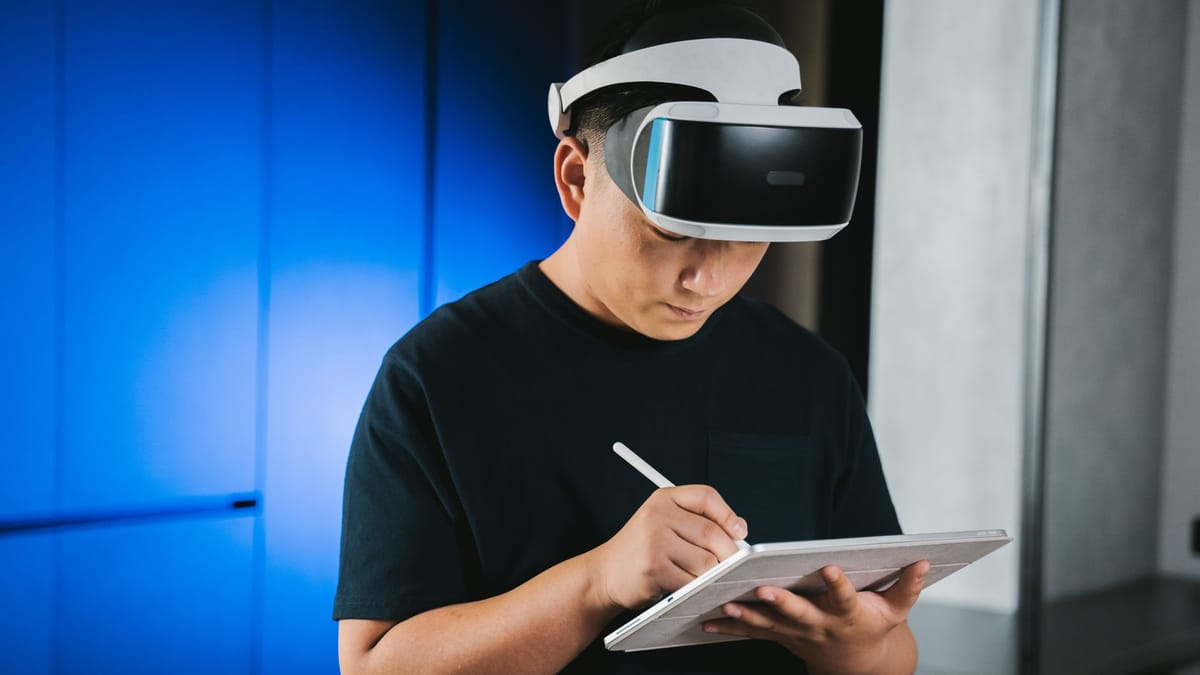
A six-degrees-of-freedom stylus for Meta Quest headsets that mimics physical pen pressure and tilt, designed for 3D sketching, note-taking, and creative workflows in XR.
★ Verified 27 August 2026
- $129.99 for the stylus · $169.99 for the MX Ink + Inkwell Combo
- Best Buy currently asks $149.98 and marks it unavailable from that seller
- Works with Meta Quest 3S, Quest 3 and Quest 2 · requires Quest OS v69 or later
- Battery: up to 7 hours, typically 3 hours with haptics — Logitech’s own figure
- 29 g · 164 mm long · 18.2 mm diameter · 6DoF tracking with pressure-sensing input
- Only one MX Ink can be paired alongside the Touch controllers
- No USB-C cable in the box; the Inkwell dock is sold separately
- Logitech publishes no pressure-level count — any specific number is unsourceable
★ Key takeaways
- Best for digital artists and designers exploring extended reality.
- Biggest strength: pen-like xr precision.
- Main caveat: quest-exclusive ecosystem.
Against the Quest controllers and a Wacom tablet
Against a Wacom tablet this loses on precision and wins on presence. Against the stock Quest controllers it is not close. Against budget alternatives it justifies the step up through pen-like xr precision and a more polished overall experience. Against the premium tier it holds its own by covering the fundamentals most people actually use, rather than charging extra for features that look good on a box and rarely get touched. For digital artists and designers exploring extended reality, that middle ground is exactly where the smart money tends to sit.
Choosing a VR stylus: tracking, software, comfort
Check which apps support it before buying. The hardware is fine; the software list is the short part. These are the ones we weigh most heavily, and the ones worth keeping in mind as you compare your own shortlist.
Strengths and compromises
✓ Pros
- Accurate pressure input
- Comfortable grip
- Low latency tracking
✗ Cons
- Works only on Quest
- Limited app support
Who this is for
The Logitech MX Ink Stylus for Meta Quest is an easy recommendation for digital artists and designers exploring extended reality. If that describes you, it will likely become one of those purchases you forget you made because it simply works. It is a less obvious choice if budget is your overriding concern or you only need the basics, in which case the money is better spent elsewhere. As always, the best gadget is the one that fits your actual needs — and for the right person, this is a very good one.
Questions about the MX Ink
How often should I update the firmware on my smart home devices?
Are smart rings as accurate as smartwatches for health tracking?
What is Matter and why does it matter for smart home buyers?
Do portable power stations degrade significantly over time?
Is a higher refresh rate display always better for everyday use?
Can AI productivity tools actually replace human judgment in workflows?
The Bold Story verdict
The Logitech MX Ink Stylus for Meta Quest earns a 8.6/10. It is genuinely excellent, with pen-like xr precision as its headline strength and quest-exclusive ecosystem as its main compromise. For digital artists and designers exploring extended reality, it is well worth the $129.99. It will not be right for everyone, but it knows exactly who it is for — and it serves that person remarkably well.
Sources: Logitech: MX Ink · Logitech press release
How this was checked: prices and specifications on this page were read from the manufacturer’s own pages, or from a named retailer where the manufacturer publishes none, on 27 August 2026 — and the sources are linked above. We have not tested this product ourselves; where a figure is the maker’s claim rather than an independent measurement, we say so. Prices change — check the retailer before buying. See our Editorial Policy.